GPU-fast engine
A Metal-powered engine that keeps pace with your fastest strokes.
A fast, native canvas built for the way you actually work — serious tools, a calm workspace, and it's free to paint.
Free to paint — Pro ($9.99, one-time) unlocks unlimited layers.
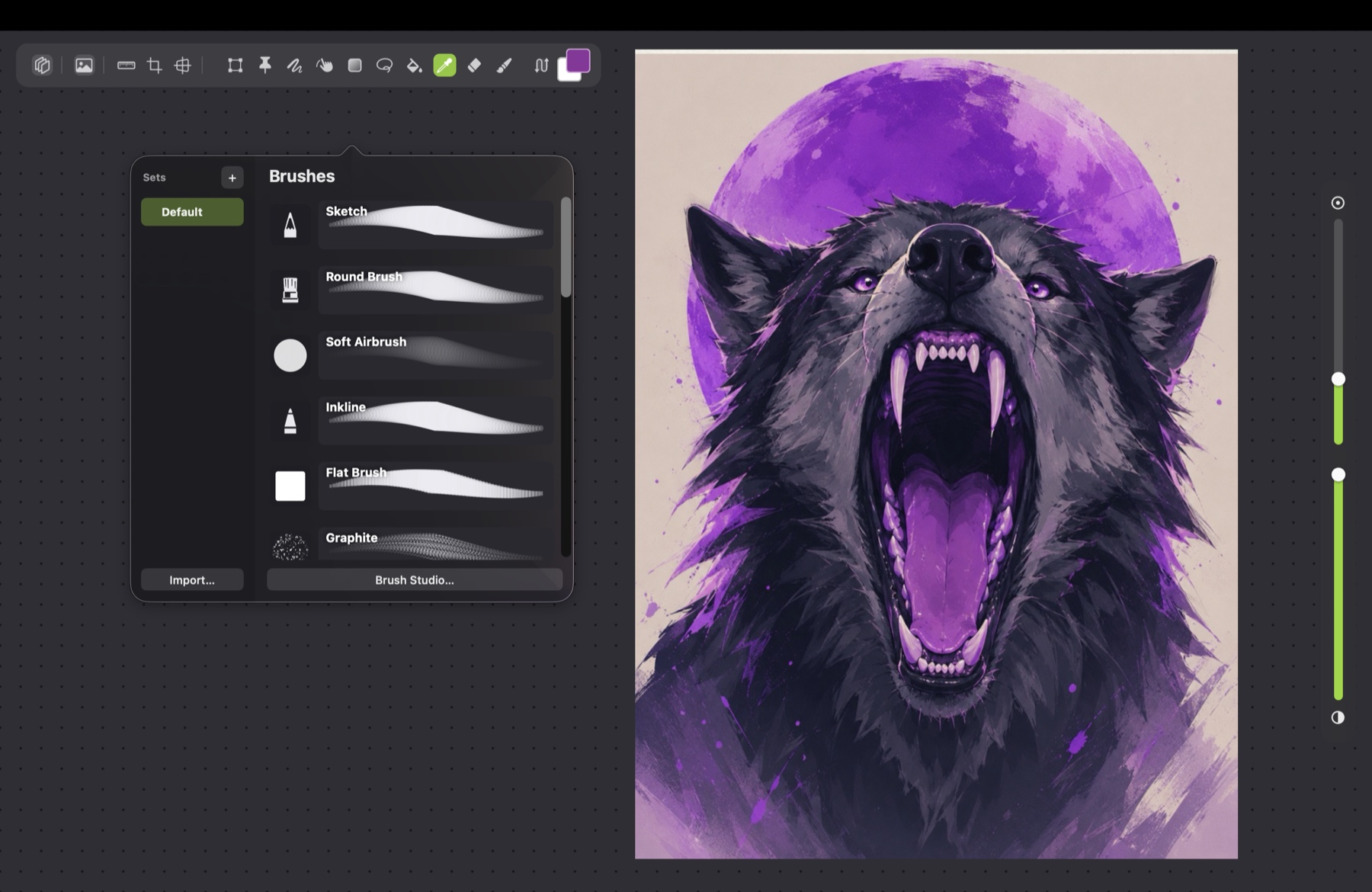
A full set ready to go — or import your own and build custom ones in Brush Studio.
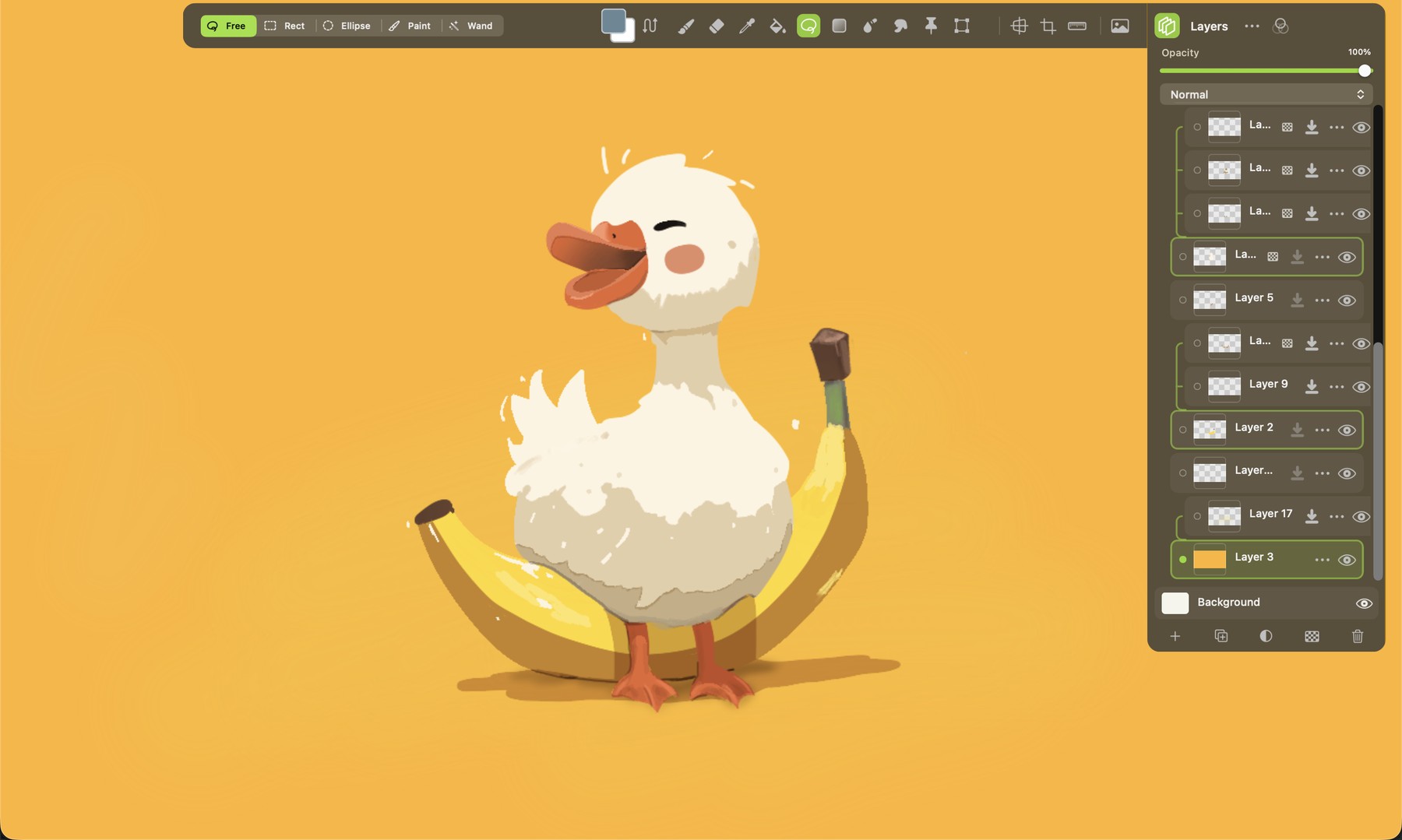
Unlimited layers, blend modes and clipping — with stroke stabilization for clean lines.
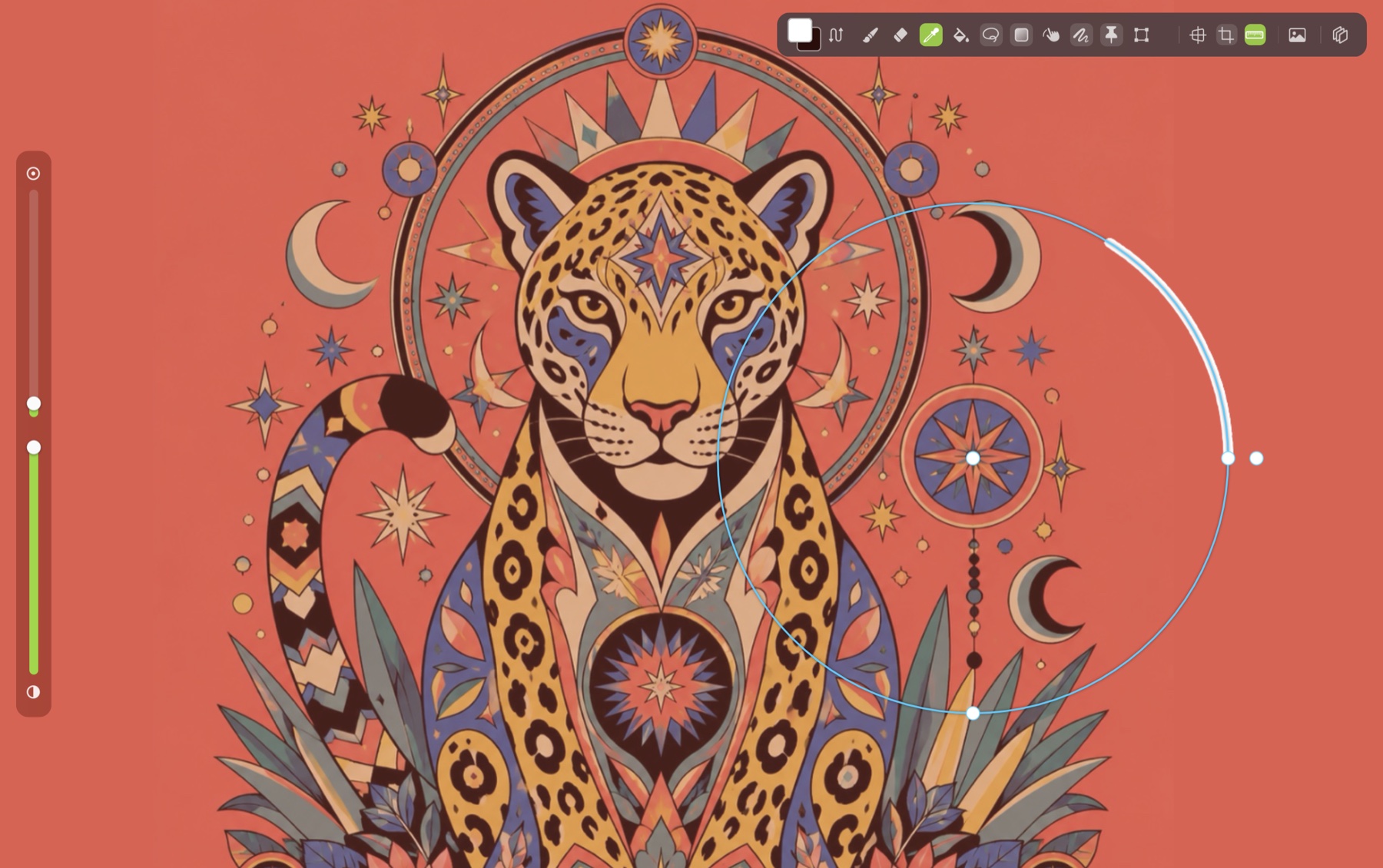
Perspective, symmetry and shape guides your strokes snap to — no ruler required.
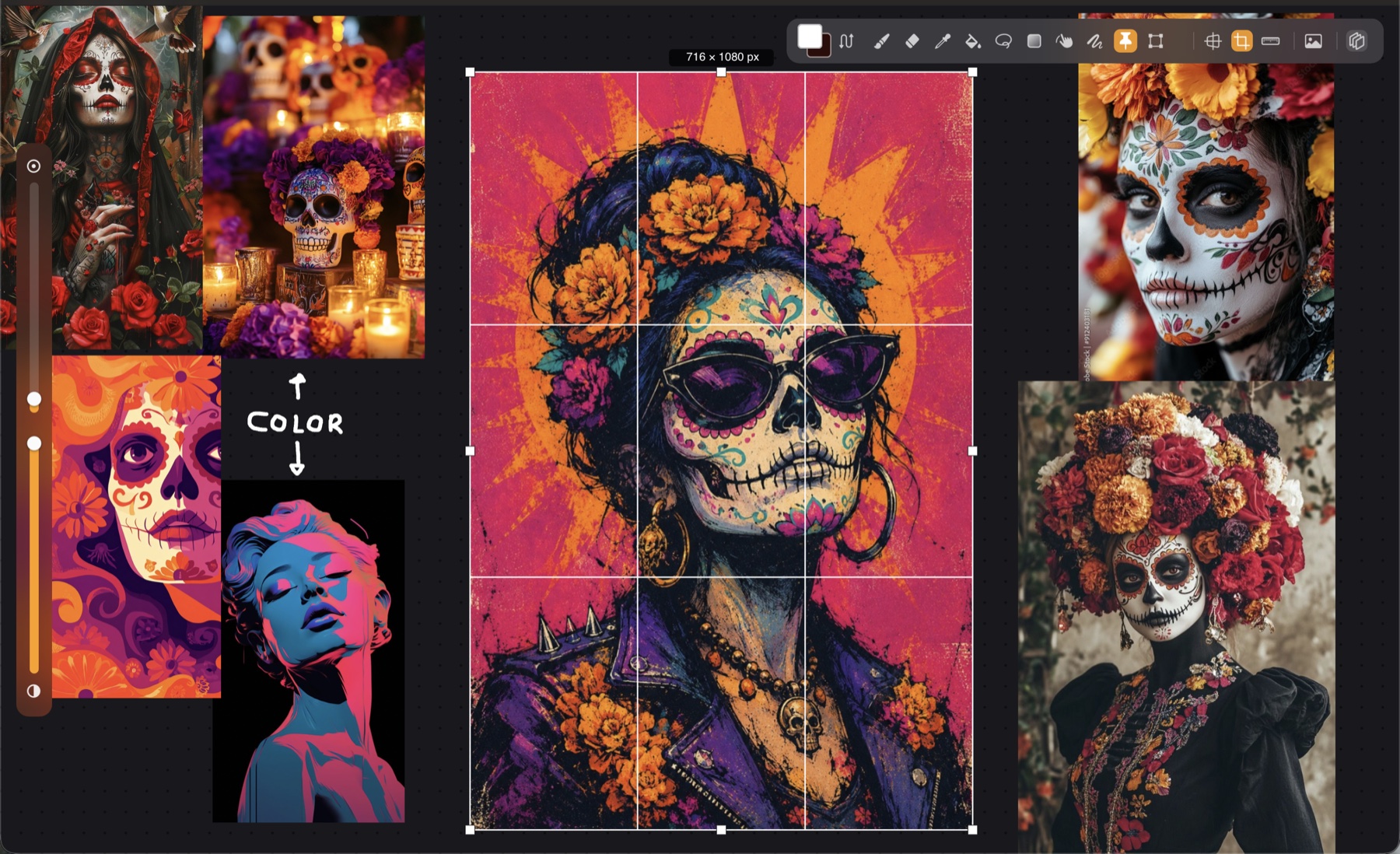
Import references around your canvas — no second window — and scribble notes as you plan.
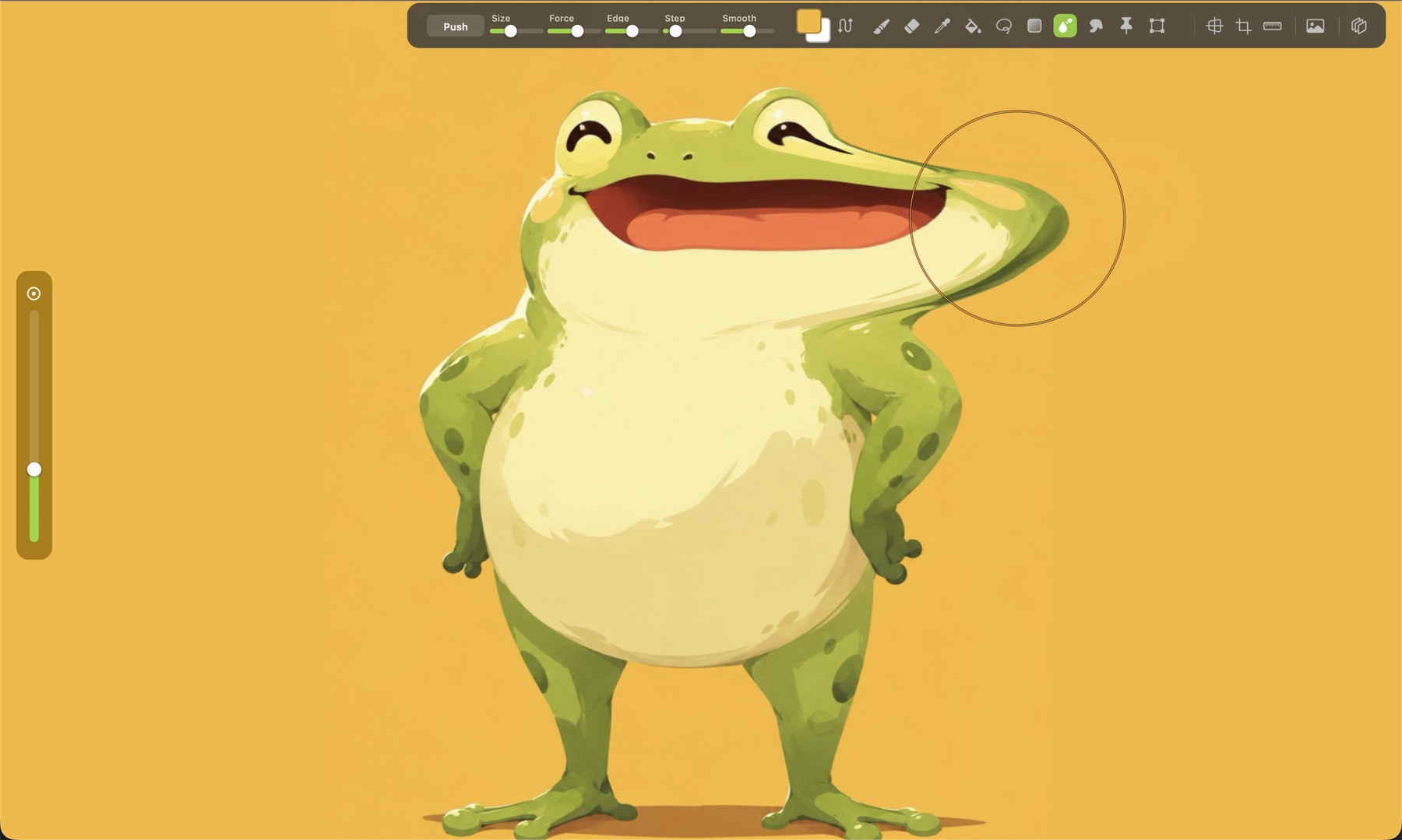
Nudge, smear and reshape anything — warp a whole shape without redrawing a stroke.
A Metal-powered engine that keeps pace with your fastest strokes.
Streamline smoothing for clean, confident lines.
Pin, bend and pose — reshape any shape with a mesh warp.
1-, 2- and 3-point perspective guides — strokes snap straight to them.
.pform keeps every layer intact; flat PNG when you're done.
Native and Metal-fast — no Electron, no web wrapper, no bloat.
+ many more!
Every brush, Liquify, Puppet Warp, guides, references, PSD import and PNG export — the full painting app is free, up to 3 layers. Go Pro for unlimited layers, watermark-free time-lapse and transparent export.
$9.99 one time — no subscription, no add-ons.